
For utility technicians, decoding pad mounted transformer diagrams isn’t just a nice-to-have skill—it’s a make-or-break tool for on-the-job success. It’s about more than recognizing lines and symbols; it’s about translating technical blueprints into safe, efficient maintenance, quick problem-solving, and risk-free fieldwork.
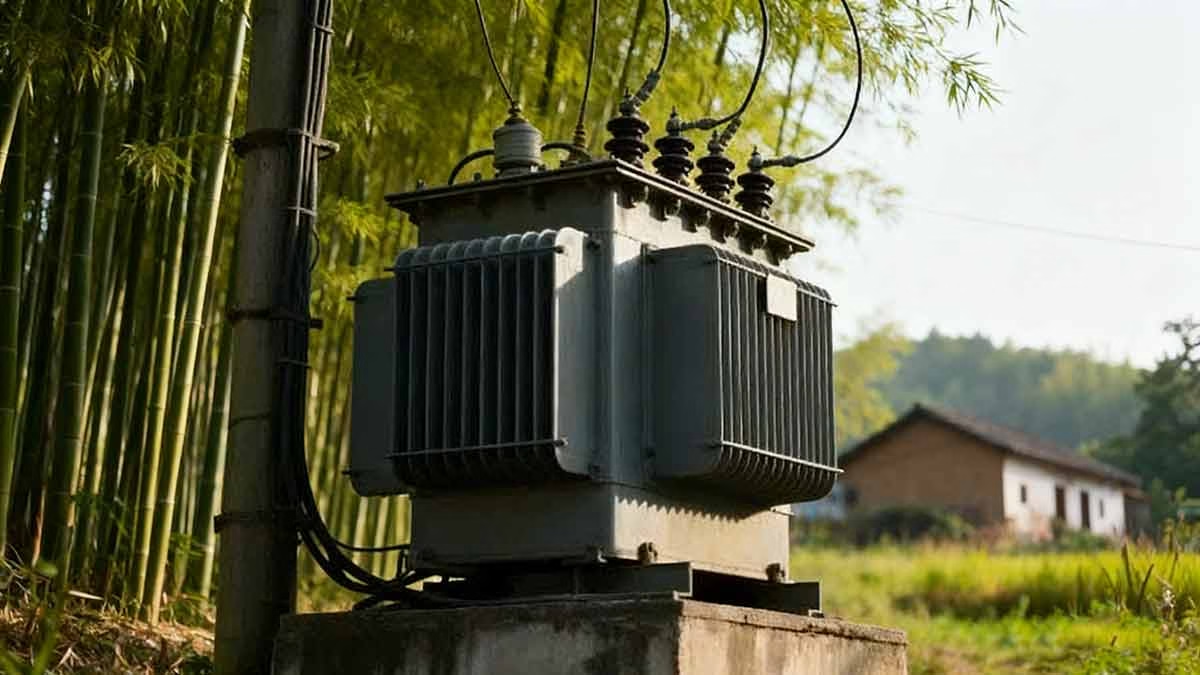
Whether you’re a veteran technician with years of experience or just starting to navigate the world of electrical schematics, this guide breaks down the essentials in a way that feels like a conversation with a seasoned colleague. No jargon overload, just actionable insights to boost your confidence and skills.
Contents
hide
Transformer Diagram Fundamentals: Starting Your Electrical Blueprint Journey
Ever stared at a transformer diagram and felt like you’re trying to read a foreign language? You’re not alone. Every technician I’ve mentored has been there—and the solution isn’t to memorize every detail at once. It’s to build a foundation, one key element at a time.
The basics of transformer diagrams boil down to three core pillars: layout logic, component recognition, and electrical flow understanding. You don’t need to be an engineer to master this—you just need to know where to focus first.
Let’s pull back the curtain on the key parts that make up any pad mounted transformer diagram:
Grasping the Diagram’s Big Picture
Before diving into tiny symbols, take 30 seconds to scan the entire blueprint. This high-level view helps you orient yourself and avoid getting lost in details. Look for:
- The title block: This is your cheat sheet for transformer specs—capacity, voltage ratings, and manufacturer details that set the context for everything else.
- The main body: The central section that maps out internal components (core, windings) and how they connect.
- Primary/secondary connection diagrams: These show how power enters (high voltage) and exits (low voltage) the unit.
- The legend: Think of this as the diagram’s dictionary—ignore it, and you’ll waste hours guessing symbols.
Core Components: The Transformer’s “Engine”
Every diagram revolves around the parts that make voltage transformation possible. Here’s how to spot them:
- Core: Represented by a simple rectangle or E-I shape, this is the magnetic backbone of the transformer. In real life, it’s a large laminated steel structure, but on paper, it’s the central anchor for all other components.
- Windings: Shown as circular loops or zigzag lines around the core, these are the coils that step up or step down voltage. Primary windings (high voltage) and secondary windings (low voltage) are often differentiated by line thickness or labeling.
- Magnetic flux paths: Sometimes indicated by dashed lines, these show how magnetic energy flows through the core—critical for understanding how the transformer actually works.
Connection Points: Following the Power Flow
Power doesn’t just magically move through a transformer—you need to trace its path. On diagrams, look for:
- High-voltage bushings: Marked as circles or ovals (usually on the top or sides of the main body), these are the entry points for high-voltage power.
- Low-voltage bushings: Similar in shape but often labeled or positioned differently, these deliver stepped-down voltage to the grid.
- Ground connections: Represented by an inverted triangle, these are non-negotiable for safety—never overlook them.
- Tap changer points: Small, numbered connections that let you adjust voltage output—key for matching the transformer to grid needs.
Auxiliary Systems: The Unsung Heroes
Transformers don’t work in isolation—they rely on supporting components to stay safe and efficient. On diagrams, these are often on the periphery:
- Cooling systems: Shown as wavy lines (for radiator fins) or fan icons, these prevent overheating.
- Temperature monitoring points: Small symbols that indicate where sensors are placed to track internal heat.
- Pressure relief devices: Simple icons that represent valves designed to release excess pressure (critical for oil-filled units).
- Oil level indicators: Lines or symbols that show the safe operating range for insulating oil.
I still remember my first time working with a transformer diagram early in my career. I was tasked with routine maintenance on a residential pad mounted unit, and when I unfolded the blueprint, I was overwhelmed by the maze of lines. I made the mistake of jumping straight to the windings, only to get stuck.
Then my supervisor said something that stuck with me: “Start with the title block. It tells you what the transformer is before you worry about how it works.” That simple advice changed everything. The title block told me the unit was a 500kVA, 12.47kV/480V transformer—suddenly, every symbol had context. I went back to the core, then the windings, then the bushings, and slowly, the diagram started to make sense.
Another lesson I learned the hard way: scale matters. Once, I ordered a replacement part based on how big it looked on the diagram, only to find it was half the size I needed. Now, I always check the scale notation (usually in the corner of the blueprint) to translate diagram dimensions to real-world sizes.
For new technicians, my biggest tip is to keep a small notebook of symbols you encounter. Jot down what each one means and sketch it—over time, you’ll build a mental library that lets you read diagrams at a glance. And never be afraid to cross-reference the legend—even veterans do it.
Cracking Core Symbols: The Transformer’s Diagram Language
If diagrams are the blueprint, symbols are the words that make them meaningful. It’s easy to feel intimidated by the array of shapes, but here’s the truth: 90% of pad mounted transformer diagrams use the same core symbols. You just need to learn the “vocabulary.”
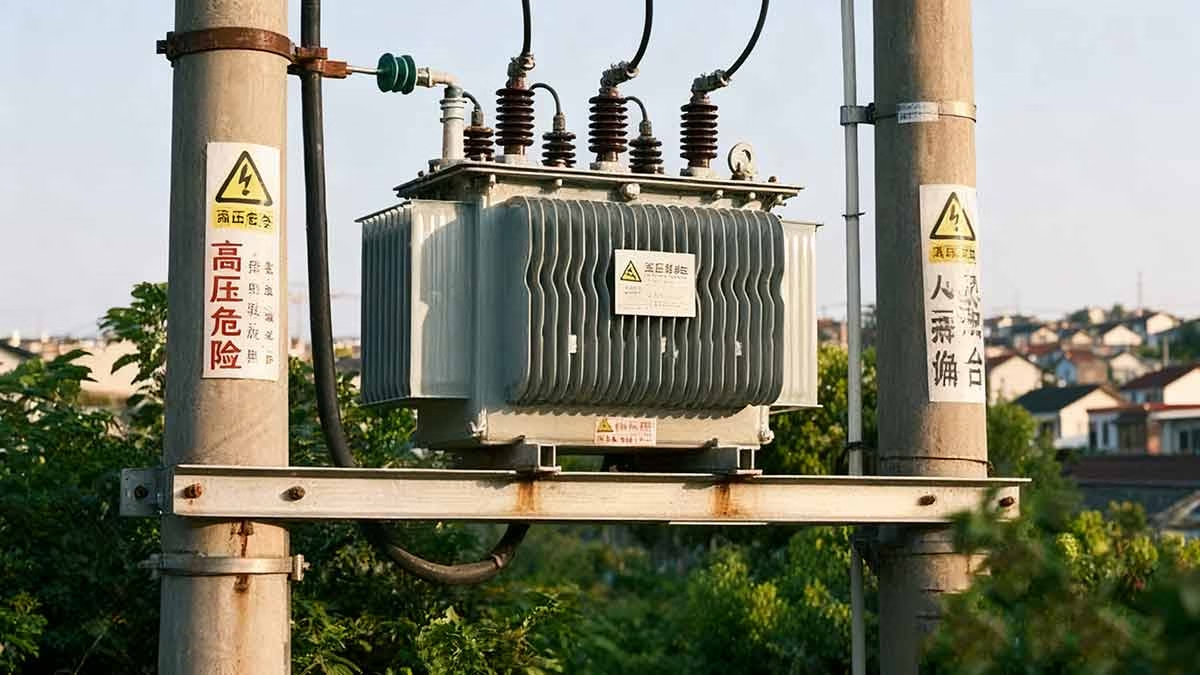
Decoding these symbols isn’t about memorization—it’s about understanding what each shape represents in the real world. Let’s break down the ones you’ll see most often:
Core Symbols: The Foundation
The core is the transformer’s magnetic heart, and its symbol is the easiest to spot:
- Simple cores: A solid rectangle (the most common in basic diagrams).
- Complex cores: An E-I shape (used for transformers with more advanced magnetic circuits).
- Laminated cores: Shaded rectangles (indicating layers of steel that reduce energy loss).
Winding Symbols: Where Voltage Magic Happens
Windings are where high voltage becomes low voltage (and vice versa), and their symbols reflect their function:
- Basic windings: Circular loops around the core (one loop for primary, another for secondary).
- Detailed windings: Zigzag lines (showing the actual coil structure in more complex diagrams).
- Multiple windings: Concentric circles (for transformers with more than two winding sets).
Bushing Symbols: The Transformer’s “Doors”
Bushings are the interface between the transformer’s internal components and the external power grid—here’s how to identify them:
- Standard bushings: Simple circles or ovals (the most common representation).
- Connected bushings: Circles with lines extending outward (showing how they link to external cables).
- Labeled bushings: Circles with numbers or letters (e.g., H1, H2 for high voltage; X1, X2 for low voltage) to identify specific terminals.
Switch & Tap Changer Symbols: Voltage Control
These symbols are small but powerful—they show how you can adjust the transformer’s output:
- Switches: Open or closed contact points (a line for closed, a gap for open).
- Tap changers: A series of small circles or dots connected to the windings (each dot represents a voltage adjustment point).
- Movable contacts: Arrows pointing to tap positions (indicating which voltage setting is active).
| Symbol Type | Common Representation | What It Means |
|---|---|---|
| Core | Rectangle or E-I shape | The magnetic circuit that transfers energy between windings. |
| Windings | Circles or zigzag lines | Coils of insulated wire that step up/down voltage. |
| Bushings | Circles with extending lines | Insulated ports for power entry/exit. |
| Switches | Open/closed contacts | Points to control power flow or adjust voltage. |
Early in my career, I attended a training where the instructor handed out a diagram with what looked like random zigzags and circles. I was convinced it was a typo—until he explained that those zigzags were windings, and the circles were bushings. That “aha” moment made me realize symbols are just simplified versions of real components.
One challenge I faced was distinguishing between high-voltage and low-voltage bushing symbols. They look almost identical on paper, but the legend always specifies (hint: high-voltage bushings are often labeled with “HV” or higher numbers). I started drawing a small “HV” or “LV” next to each symbol in my notes, and soon it became second nature.
Another tip: Different manufacturers might have slight variations in symbols. For example, one company might use a fan icon for cooling, while another uses wavy lines. That’s why the legend is your best friend—never assume a symbol means the same thing across all diagrams.
I still keep a “symbol cheat sheet” in my toolbox—just a small card with the 10 most common symbols I encounter. It’s saved me countless times when I’m on a job site and need a quick reference. For new technicians, I recommend doing the same—write down symbols as you see them, and review them during downtime.
Decoding symbols isn’t about being perfect—it’s about being persistent. Every time you look at a diagram, you’ll recognize more symbols, and soon you’ll be reading them like a book.
Bridging Diagrams to Reality: Matching Symbols to Transformer Parts
Here’s the thing about transformer diagrams: They’re 2D simplifications of 3D machines. The hardest part isn’t reading the symbols—it’s connecting what you see on paper to what you’re staring at in a pad mounted unit. It’s like looking at a map and trying to find your way in a forest—you need to know how to translate lines into landmarks.

This skill takes practice, but it’s built on three key steps: spatial visualization, function over form, and using reference points. Let’s walk through how to do it:
Core Identification: From Rectangle to Steel Structure
On a diagram, the core is a neat rectangle or E-I shape. In real life, it’s a large, heavy laminated steel block at the center of the transformer. You might not see it directly (it’s often encased in insulation or oil), but you can locate it by finding the windings (which wrap around it) or the bushings (which connect to the windings).
Pro tip: The core is always the “center” of the diagram—so in the field, look for the largest, most central structure in the unit. That’s your core.
Winding Recognition: Beyond the Lines
Diagrams show windings as circles or zigzags, but in reality, they’re tightly wound coils of insulated wire. You’ll rarely see them unless you’re working on a disassembled unit—so how do you confirm they’re there?
Look for the bushings: High-voltage bushings connect to the primary windings, and low-voltage bushings connect to the secondary. Trace the cables from the bushings into the transformer—those lead directly to the windings. If the diagram shows three windings, you’ll find three sets of cables (one for each phase) connecting to the bushings.
Bushing Spotting: The Easy Reference Point
Bushings are the easiest diagram-to-reality match. On paper, they’re circles or ovals (usually on the top or sides of the main body). In real life, they’re large, cylindrical insulators protruding from the transformer’s top or sides. They’re often color-coded (red for high voltage, black for low voltage) or labeled with numbers/letters that match the diagram.
I use bushings as my “starting point” when matching diagrams to real transformers. Once I’ve identified the HV and LV bushings, I can trace the rest of the components from there.
Auxiliary Components: From Symbols to Real-World Parts
Cooling systems, tap changers, and other auxiliary parts are often the trickiest to match—because their diagram symbols are highly simplified. Here’s how to connect them:
- Cooling systems: Diagram symbols (wavy lines or fans) translate to radiator fins (metal plates on the sides of the unit) or small fans mounted on top.
- Tap changers: A series of dots on the diagram mean a manual tap changer (a small, lever-like device on the side of the transformer) or an automatic tap changer (often inside the unit, with a control panel on the exterior).
- Temperature sensors: Small circles on the diagram correspond to probe ports on the transformer’s case—look for small metal plugs labeled “temp” or “sensor.”
| Component | Diagram Representation | Real-World Clue |
|---|---|---|
| Core | Rectangle/E-I shape | Large central structure (often hidden, but bushings/windings surround it). |
| Windings | Circles/zigzags | Cables connecting bushings to the core (not visible, but traceable via connections). |
| Bushings | Circles with extensions | Protruding insulators (top/sides) – often color-coded or labeled. |
| Cooling Systems | Wavy lines/fans | Radiator fins or external fans on the unit’s exterior. |
I’ll never forget the first time I tried to match a diagram to a transformer without using reference points. I was working on a unit with a faulty cooling system, and the diagram showed a wavy line on the side. I spent 20 minutes looking for a small, wavy metal part—only to realize the “wavy line” was the entire row of radiator fins on the side of the unit. It was so obvious once I stepped back and used the bushings as a reference.
Another lesson: Diagrams simplify. A single symbol might represent a complex assembly. For example, a “pressure relief valve” symbol on paper is a small, circular icon—but in real life, it’s a large, brass valve with a lever on top. Don’t expect the symbol to match the part’s exact shape; focus on its function.
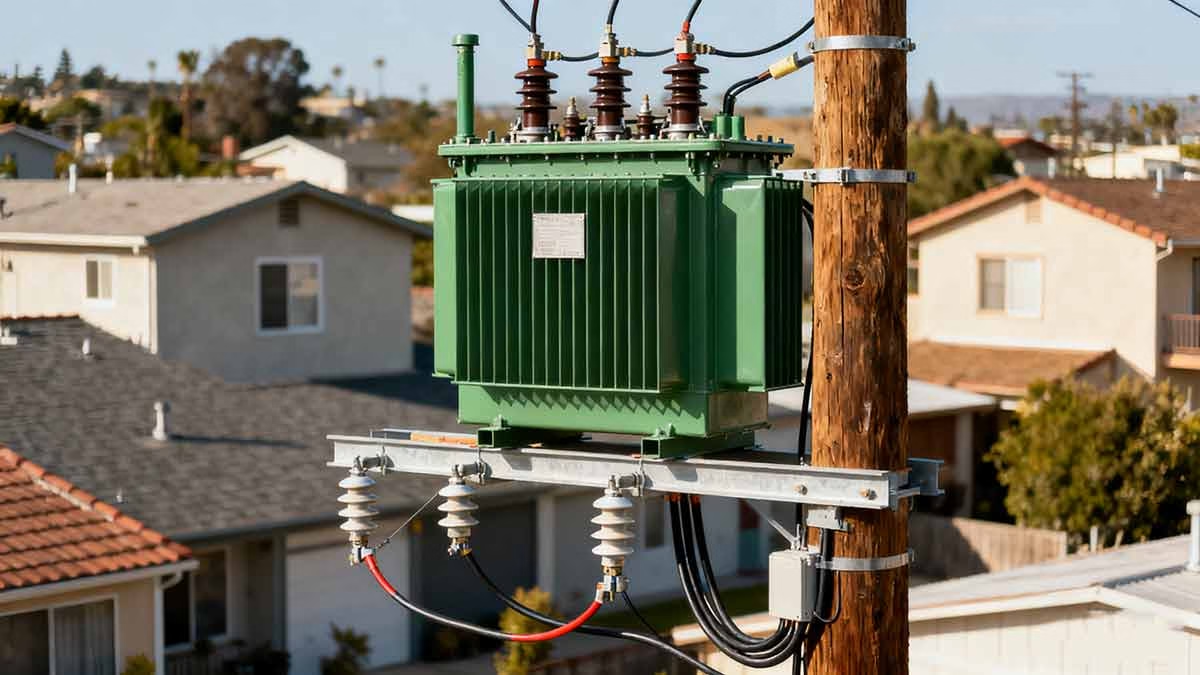
For new technicians, my advice is to take photos of transformers you work on and compare them to the diagrams later. This helps your brain make the connection between 2D symbols and 3D parts. Over time, you’ll start to “see” the diagram in the real unit—without even thinking about it.
High-Voltage Warnings: Spotting Critical Safety Cues in Diagrams
Working with pad mounted transformers means dealing with high voltage, hazardous materials, and potential risks—and your diagram is your first line of defense. Safety symbols and warnings aren’t just boxes to check; they’re life-saving information that can prevent accidents, injuries, or worse.
The key isn’t just to “see” these warnings—it’s to understand what they mean in practice. Let’s break down the critical safety cues you’ll find in any pad mounted transformer diagram:
High-Voltage Warnings: Non-Negotiable Safety Cues
High voltage is the biggest risk for technicians, and diagrams make it impossible to miss—if you know what to look for:
- Bold red symbols: Red is the universal color for “danger” in electrical diagrams. Look for red lightning bolts, red text (e.g., “HIGH VOLTAGE – 12.47kV”), or red borders around voltage ratings.
- Voltage level notations: Any number followed by “kV” (kilovolts) is a warning. Remember: Even 5kV can be fatal—never underestimate these numbers.
- “Lockout/Tagout” indicators: Small padlock symbols showing where to disconnect power before maintenance. This isn’t a suggestion—it’s a requirement.
Grounding Points: Your Safety Anchor
Proper grounding prevents electric shock and equipment damage, and diagrams clearly mark these critical points:
- Earth ground symbols: An inverted triangle with three horizontal lines (the standard symbol for a safe ground connection).
- Labeled grounding lugs: Symbols showing where to attach ground cables (often marked “GRD” or “EARTH”).
- Notes on grounding procedures: Small text boxes specifying that the transformer must be grounded before any internal work.
Hazardous Materials: Hidden Risks
Many pad mounted transformers use oil for insulation and cooling—and diagrams warn you about handling these materials:
- Oil level indicators: Lines showing the safe operating range (overfilled or underfilled oil is a fire/explosion risk).
- Containment notes: Symbols indicating that oil must be contained during maintenance (to prevent environmental damage).
- PCB warnings: Small text boxes on older diagrams (pre-1979) noting that the transformer may contain PCBs (a toxic chemical requiring special disposal).
Emergency Procedures: What to Do When Things Go Wrong
Diagrams often include quick-reference guides for emergencies—don’t overlook these:
- Emergency shutdown paths: Dashed lines showing how to isolate the transformer from the grid in a crisis.
- Fire safety notes: Symbols indicating that the transformer uses oil (a flammable material) and requires a Class B fire extinguisher.
- Contact information: Small text boxes with manufacturer or emergency service numbers for specialized issues (e.g., oil leaks, pressure spikes).
Personal Protective Equipment (PPE): Your Last Line of Defense
Diagrams tell you exactly what PPE you need—no guesswork required:
- PPE icons: Symbols of hard hats, insulated gloves, arc-flash suits, or safety glasses.
- Task-specific notes: Text specifying that arc-flash PPE is required for voltage adjustments, or that chemical-resistant gloves are needed for oil handling.
- Reminders: Small icons emphasizing that PPE isn’t optional—even for “quick checks.”
| Safety Element | Typical Symbol | Why It Matters |
|---|---|---|
| High Voltage | Red lightning bolt | Fatal risk if ignored—always de-energize before working. |
| Grounding Points | Inverted triangle | Prevents electric shock and equipment damage. |
| Hazardous Materials | Oil drop/PCB label | Toxic or flammable substances require special handling. |
| PPE Requirements | Hard hat/gloves icons | Protects against shocks, arc flashes, and chemical exposure. |
I had a close call early in my career that taught me the importance of these safety symbols. I was working on a transformer and skipped checking the diagram’s high-voltage warning—assuming the unit was de-energized. As I reached for a bushing, my supervisor grabbed my arm. The diagram had a red lightning bolt next to the bushing, indicating it was still connected to a live feeder line. I could have been electrocuted—all because I didn’t take 10 seconds to review the safety cues.
Another critical lesson: Hazardous material warnings aren’t just for compliance. I once worked on an older transformer that the diagram warned contained PCBs. We followed the proper disposal procedures, but a team at another site ignored the same warning and dumped the oil—resulting in fines and environmental damage. These symbols exist to protect you, the public, and the planet.
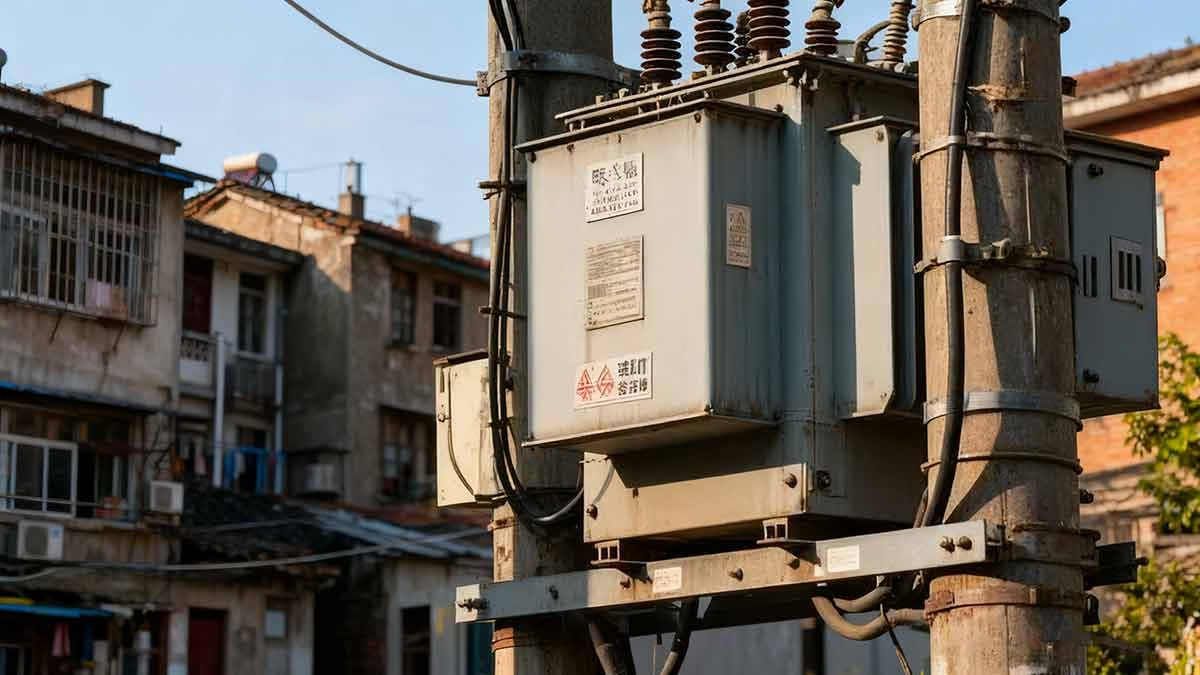
For new technicians, my rule is simple: Always review the safety section of the diagram before touching the transformer. Even if you’ve worked on the same model 10 times, conditions can change. And if you’re unsure what a symbol means, stop and ask—better to be safe than sorry.
Building a Systematic Troubleshooting Routine with Diagrams
When a pad mounted transformer malfunctions, time is of the essence—but rushing leads to mistakes. The best technicians don’t guess; they use diagrams to build a systematic troubleshooting process that pinpoints issues quickly and accurately.
Transformer diagrams are like detective tools: They show you how components interact, where power flows, and where faults are most likely to occur. Let’s walk through how to use them to solve common problems:
Start with the Symptom, Trace the Cause
The first step in troubleshooting is to identify the problem—and then use the diagram to trace its root cause. For example:
- If the transformer is tripping offline intermittently: Look at the diagram’s protective relay symbols. Trace the relay’s connections to the windings, bushings, and temperature sensors—intermittent trips often come from loose connections or overheating.
- If voltage output is too low: Focus on the tap changer symbols. The diagram will show how tap positions adjust voltage—if the output is low, the tap changer may be stuck or set to the wrong position.
- If there’s an oil leak: Check the diagram’s auxiliary system symbols. Oil leaks often come from pressure relief valves, oil level indicators, or cooling system connections—all marked on the blueprint.
Map Component Relationships
Diagrams show you how parts work together—so a problem in one area can affect another. For example:
- A faulty cooling system (shown as wavy lines on the diagram) can cause the transformer to overheat, which triggers the protective relay (a small relay symbol) to trip.
- A loose high-voltage bushing (circle symbol) can cause voltage fluctuations in the secondary windings (zigzag lines), leading to poor power quality for customers.
By understanding these relationships, you can predict cascading failures and fix the root cause—not just the symptom.
Trace Electrical Pathways
Power flows in a specific path through the transformer, and diagrams let you follow it step by step. For example:
- High-voltage power enters through the HV bushings (circles on the diagram).
- It travels to the primary windings (zigzags around the core).
- Magnetic energy transfers to the secondary windings.
- Low-voltage power exits through the LV bushings.
If power isn’t reaching the secondary side, trace this path on the diagram. Is there a break in the primary winding symbol? A disconnected tap changer? The diagram will show you where to look.
Use Diagrams to Find Test Points
Troubleshooting requires measurements (voltage, current, resistance)—and diagrams tell you exactly where to take them:
- Voltage test points: Marked as small circles on the windings or bushings (labeled “V” or with voltage ratings).
- Current measurement spots: Symbols showing where to clamp a meter (often near the bushings or tap changer).
- Resistance check points: Small squares indicating where to test for continuity (critical for finding broken windings or loose connections).
Annotate Your Diagram (It’s Okay to Write On It!)
I always carry a pen and highlighter with my diagrams. As I troubleshoot, I:
- Mark test results directly on the diagram (e.g., “12.47kV at HV bushing – good”).
- Circle potential fault points (e.g., a loose connection at tap position 3).
- Draw arrows tracing power flow (to confirm where the issue is).
This not only keeps me organized but also helps if I need to hand off the job to another technician.
I once spent three days troubleshooting a transformer that kept tripping offline. The symptom was vague—no obvious damage, no oil leaks—but the diagram showed that the protective relay was connected to a temperature sensor in the windings. I traced the sensor’s path on the diagram, found the test point, and measured the resistance. It was off the charts—indicating a faulty sensor. We replaced it, and the transformer worked perfectly. Without the diagram, I would have replaced parts blindly, wasting time and money.

For new technicians, my advice is to avoid “shotgun troubleshooting” (replacing parts to see what works). Instead, use the diagram to build a hypothesis, test it, and refine it. It’s slower at first, but it’s far more effective—and it teaches you how the transformer works, not just how to fix it.
Wrapping Up: Diagrams as Your Career-Long Tool
Mastering pad mounted transformer diagrams isn’t a one-time achievement—it’s a skill that grows with you throughout your career. From your first day as a new technician to your years as a mentor, these blueprints will be your constant companion:
- They simplify complex systems into understandable parts.
- They keep you safe by highlighting risks and best practices.
- They save time by guiding your troubleshooting and maintenance.
The key to success? Practice. Every diagram you read, every transformer you work on, and every mistake you learn from will make you better. Don’t be discouraged if it feels overwhelming at first—every expert was once a beginner staring at a confusing blueprint.
Remember: A transformer diagram isn’t just a piece of paper. It’s a conversation between the manufacturer and the technician—a guide to how the unit works, how to keep it running, and how to stay safe. Treat it with respect, learn its language, and it will serve you well for years to come.
Now go grab a diagram, head to the field, and start putting these insights to work—you’ve got this.